Zero-Code Serial Communication, Finally Here
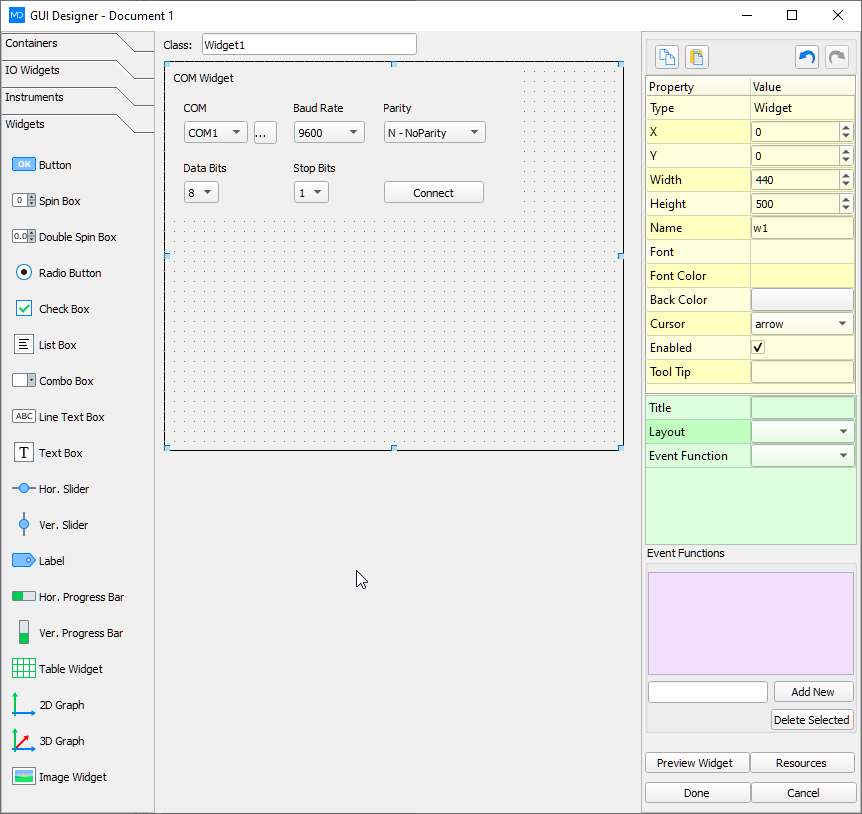
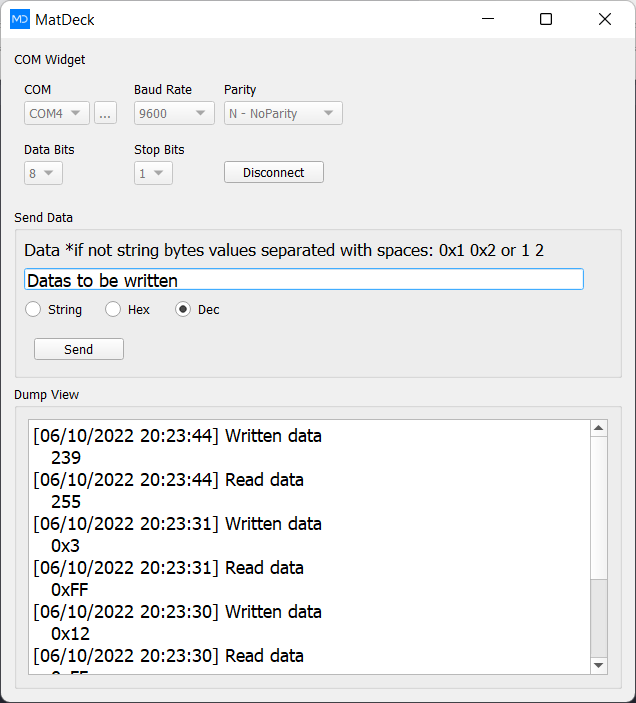
MatDeck’s COM Port GUI Widget transforms UART development: from Arduino debuggers to industrial SCADA panels — connect, monitor, and control devices over serial in minutes.
🔌 Auto-Detect & Connect
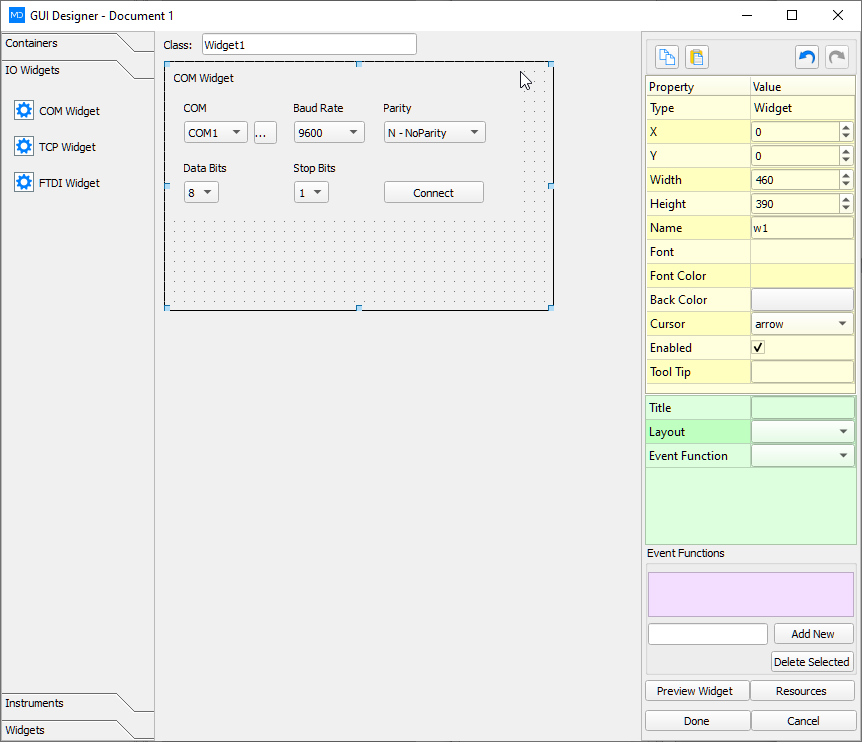
Widget scans all open Windows COM ports. One-click connect/disconnect — no manual port lookup or baud rate guesswork.
🚀 FTDI Optimized
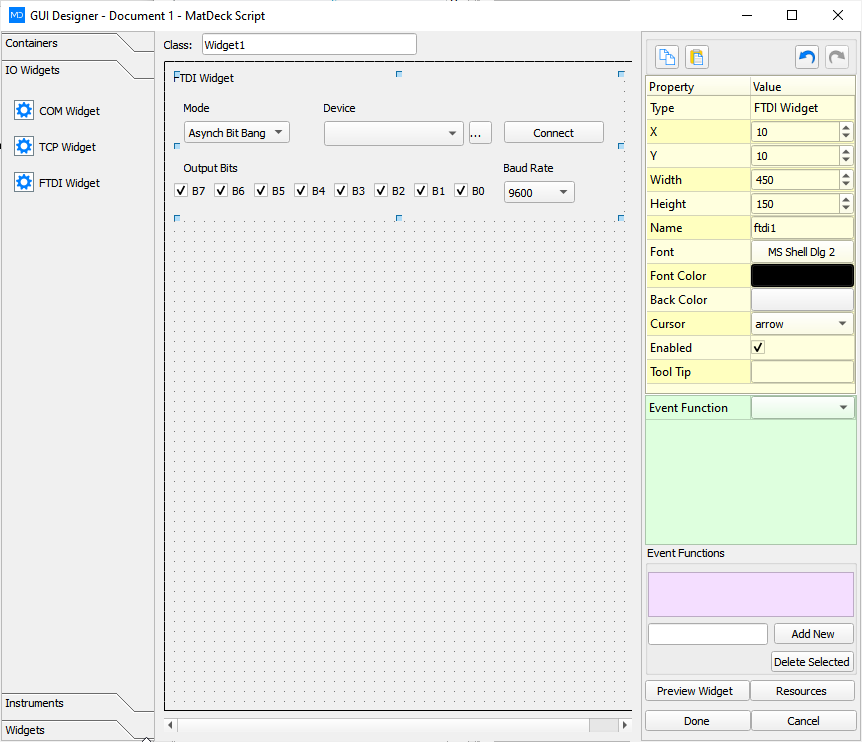
Dedicated FTDI GUI uses direct D2XX drivers for high-speed UART, SPI, I²C, and MPSSE — ideal for FT232H, FT4232H, and more.
📦 One-Click EXE Deploy
Package your COM app into a standalone `.exe`, or use Flet/Kivy for cross-platform web deployment.
FTDI Advanced Modes (D2XX API)
Go beyond basic UART. MatDeck’s **FTDI GUI Widget** exposes chip-level control for engineers who need precision and speed:
Python & C Integration
Embed serial logic in your favorite language — GUI handles I/O, your code handles intelligence.
com = md.serial_open("COM3", 115200);
md.serial_write(com, "AT+RST\r\n");
data = md.serial_read(com, 64);
md.serial_close(com);
import md
com = md.channel_com("COM4", baud=921600)
md.channel_write(com, b'\xAA\x55\x01')
resp = md.channel_read(com, 256)
Compatible Frameworks & IDEs
Export or embed your COM GUI into multiple environments:
- Tkinter — Standard Python GUI
- CustomTkinter — Modern, themed interfaces
- PySide2/6 (Qt) — Industrial-grade apps
- Kivy — Cross-platform (Windows, macOS, Linux, Android)
- Flet — Build web & desktop apps from one Python script
- MD Script — Fast EXE via MatDeck’s native engine
Real-World Use Cases
- 🔬 Lab instrument control (e.g., spectrometers, oscilloscopes)
- 🤖 Arduino/Raspberry Pi/Pico firmware upload & monitoring
- 🏭 PLC & CNC machine diagnostics over RS-232/RS-485
- 📡 IoT gateway development (LoRa, Zigbee via UART modules)
- 🧪 Medical device streaming (ECG, PPG, EEG via serial protocols)
- 🔋 Battery tester communication (Modbus RTU over UART)